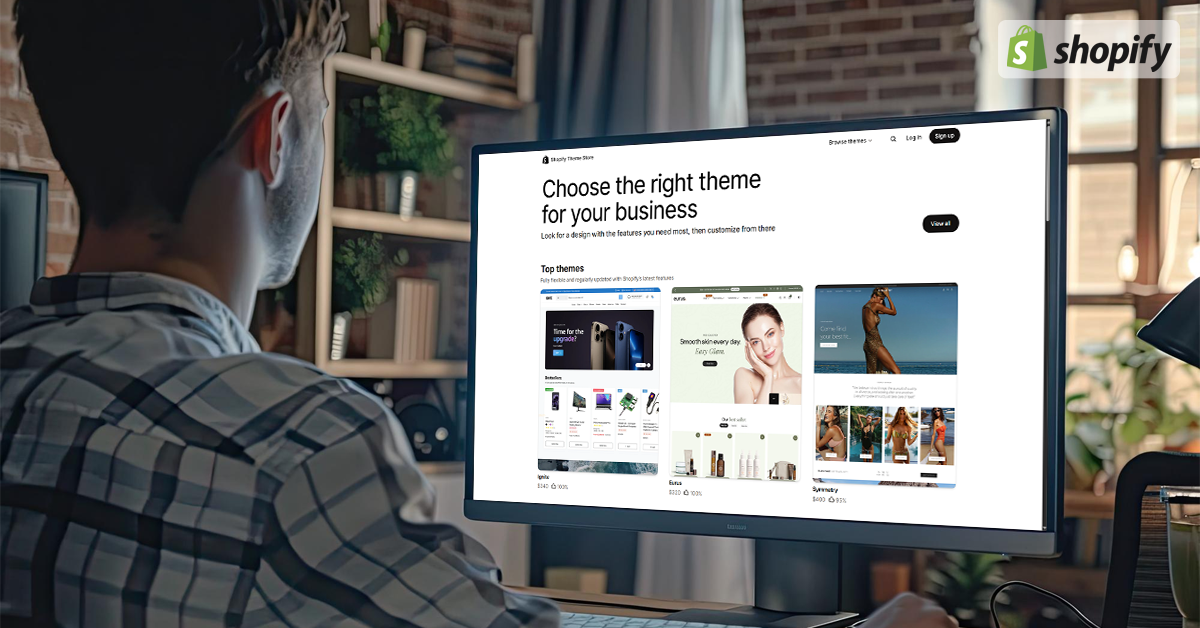
Most Shopify stores start with a free theme. And honestly, that’s a great move. Free themes are clean, fast, and easy to customize. They help you get your store live without overthinking layout or design. But, there comes a point where that simplicity starts to feel limiting.
I worked with a client who launched with a free theme, got her first 80 orders, and started growing fast through Instagram. But, as her brand matured, the homepage felt too basic. She couldn’t add video, the product grid looked generic, and customizing sections without code became frustrating.
Her store wasn't broken, it just wasn’t built to scale.
That’s usually the point when the search for a premium theme begins. But here’s the catch. When you open the Shopify Theme Store and see over 100 premium options with slick demos and fancy animations, it’s easy to get overwhelmed or pick one based on looks alone.
This guide is for brands who are past the “just launch it” phase. You’ve validated your product, you’ve seen some traction, and now you want your store to feel sharper, perform better, and reflect your brand more intentionally. We’ll walk through how to know if you’re actually ready to upgrade, how to evaluate themes beyond surface level aesthetics, and which premium options are actually worth your money.
Why the Right Theme Matters More Than You Think
Most people think switching to a premium theme is just about “making the store look better.” And sure, that’s part of it. A polished design builds trust and better visuals help with conversions. But here’s what often gets missed, your theme isn’t just a skin. It shapes how people interact with your brand, how fast your store loads, and how easy it is to explore your products.
It’s not just about aesthetics. It’s about performance, perception, and growth.
When I work with brands that are ready to scale, the theme is usually the first thing I look at.
Why? Because it impacts:
- Speed: A bloated theme slows everything down, especially on mobile
- Clarity: Some themes clutter the homepage with too much noise
- Conversion paths: Does the theme let users discover products easily? Is the checkout flow smooth?
- Mobile UX: More than 70 percent of traffic comes from phones. If the layout isn’t responsive or intuitive, you’re losing money every day
Even if your products are great and your marketing is working, a slow, clunky, or poorly structured theme can quietly kill momentum. That’s why choosing the right premium theme isn’t just a design decision. It’s a business decision.
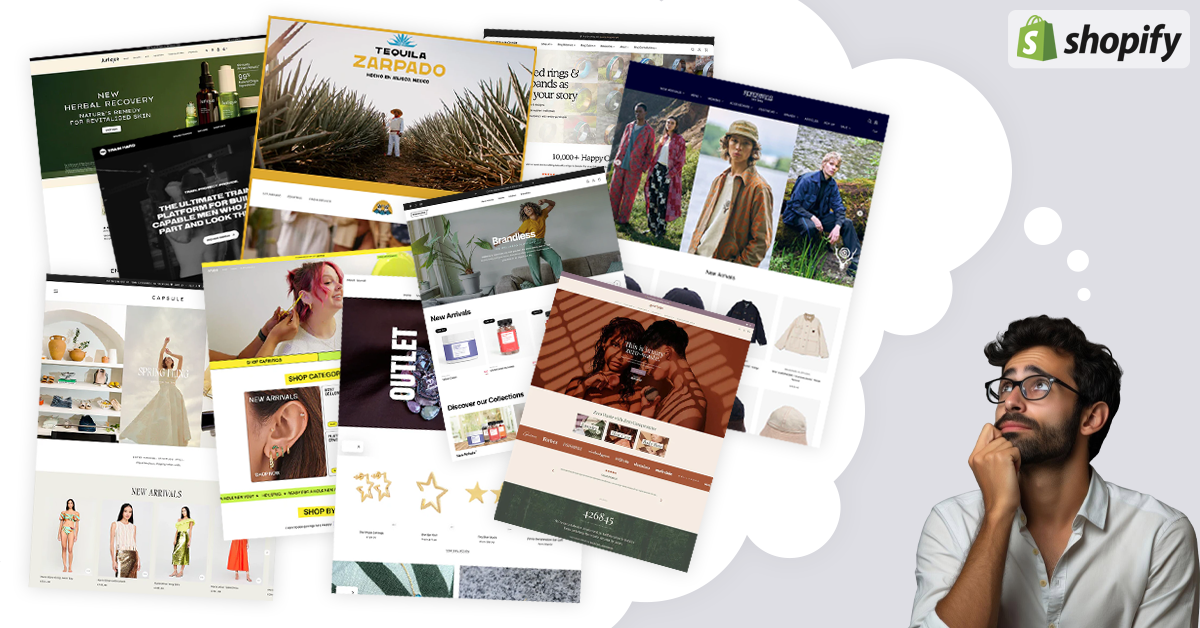
Are You Actually Ready for a Premium Theme? A Quick Checklist
Not every store needs to upgrade right away. If your current theme is working and you’re still validating your offer, switching too early might just create unnecessary stress.
But, if you're checking two or more of the boxes below, you’re likely ready to move up:
- You're hitting layout limitations
You want to add a custom section, homepage video, product badges, or testimonials but your theme doesn't support it without code or apps. - Your store feels outdated on mobile
The design might look okay on desktop, but mobile users have to zoom, scroll awkwardly, or bounce because of poor UX. - You’ve started growing and want more control
Once traffic and sales start coming in, you need a theme that scales with you and not one that makes you patch things together with plugins. - You want your store to reflect your brand more clearly
You’ve evolved from your launch day branding, and now you want a layout that feels more premium, minimal, bold, or experience driven. - You’re spending more time hacking things than selling
If you're constantly Googling "how to move X to Y in Shopify," it's time to move to a theme that does it all out of the box.
If you feel like you’re working around your theme instead of working with it, that’s your signal.
How to Choose the Right Shopify Premium Theme (Not Just the Popular One)
Once you’ve decided to upgrade, it’s tempting to go straight to the Theme Store and click on whatever looks the most “modern.” But a good premium theme does more than look clean.
Here’s what I usually walk clients through before they commit:
-
Match the Theme to Your Industry and Product Type
A theme that works beautifully for a skincare brand might fall flat for a tech accessory store. Your products, price point, and audience all shape what kind of layout and content flow will work best.
Ask yourself:
- Do I need a story driven homepage or a utility first layout?
- Will I be highlighting one hero product or 30 SKUs?
- Do I need space for education (like blogs, how to content) or just quick conversion?
The right theme supports your sales strategy and not just your color palette.
-
Focus on Built In Sections, Not Just Style
Many themes look great in the demo but require extra apps or custom code to get common features.
Look for:
- Product badges and quick view options
- Customer testimonials or reviews
- Promo banners and countdown timers
- Bundling or upsell sections
- Flexible homepage blocks you can reorder or hide
Good premium themes should feel like plug and play, not plug and patch.
-
Prioritize Performance and Mobile Experience
A theme that’s heavy on animations might look slick on desktop but load painfully on mobile.
Check the live demo link on your phone. Scroll through it like a shopper. Time the load. Tap the buttons.
And, also check:
- PageSpeed Insights mobile score
- Is the image sizing smart or bloated?
- Does the layout adjust properly without overlapping elements?
A slow theme kills sales more quietly than any design flaw ever could.
-
Make Sure the Theme Matches Your Brand’s Personality and Goals
Your theme isn’t just about features. It’s about feeling.
A mismatch between your brand voice and theme design can quietly break trust.
If you sell wellness products but your layout is loud, dark, and cluttered, something will always feel “off” to your visitor. Also, if you sell tech gear but your fonts are flowy and soft, it won’t land.
Before choosing a theme, ask:
- Does this layout reflect how I want my brand to feel?
- Does the font hierarchy match my product’s price point and tone?
- Would my ideal buyer feel at home browsing this?
A great theme doesn’t just showcase products, it reinforces brand trust.
-
Check Compatibility with Your Apps and Tech Stack
Some themes look great on the surface but clash with your backend.
Before buying, make sure your core tools still work seamlessly:
- Wishlist apps
- Review platforms
- Subscription plugins
- Currency converters
- Custom page builders
It’s not just about visual compatibility either.
Some premium themes block or overwrite app placements, slow them down, or cause glitches.
Always test the demo with your current tech stack or ask the theme developer for confirmation. If you're unsure, this is where working with a Shopify experts like us can save you hours of future frustration.
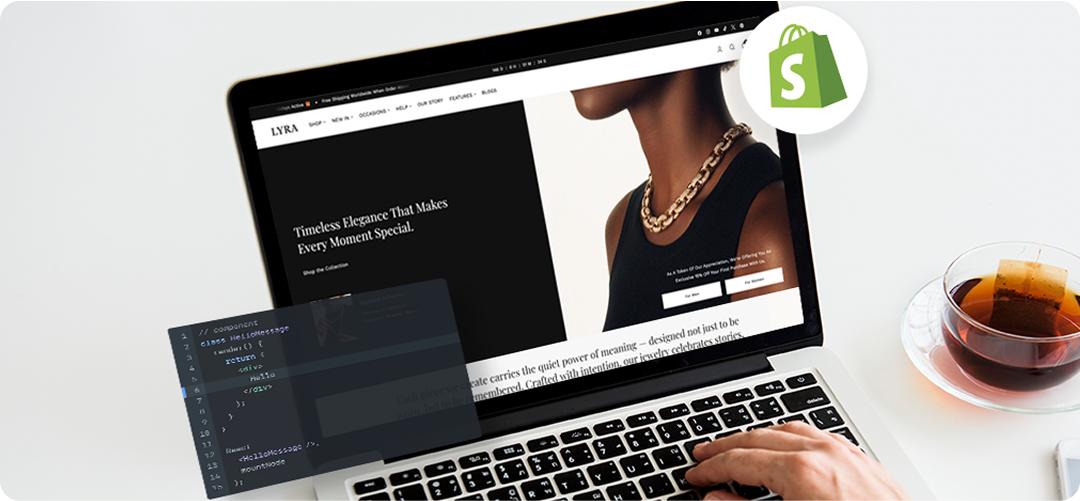
Smart Premium Themes I Recommend (And Why)
There’s no one size fits all when it comes to themes. But over the years, I’ve worked with dozens of brands across industries, and these are the ones I come back to, not because they look nice, but because they convert, perform, and scale well.
Impulse
Best for: Large catalogs, lifestyle brands, promotional campaigns
Why it works:
- Built in promotional grids and custom collection banners
- Advanced filtering for large inventories
- Flexible homepage and section layout
Great for brands that run seasonal sales or need merchandising freedom without adding a ton of apps.
Prestige
Best for: High end brands, DTC luxury, minimalist aesthetics
Why it works:
- Clean, editorial layout built for trust
- Looks premium without being heavy on animations
- Designed for storytelling through imagery
If your store sells high ticket items, this theme feels intentional, elegant, and conversion ready.
Motion
Best for: Brands with video content, active products, or bold visuals
Why it works:
- Scroll triggered animations and video banners
- Built in content sections that feel dynamic
- Fast loading despite visual complexity
Perfect for fitness, sportswear, tech gadgets, or any product that needs motion and energy in its layout.
Warehouse
Best for: Inventory heavy stores, marketplaces, or multi category brands
Why it works:
- Simplified layout that stays fast with hundreds of SKUs
- Built in promotional banners, product reviews, trust blocks
- Clean UX designed for high conversion volume
If your store has more than 50 products and needs clear structure, this theme keeps it fast and scalable.
Each of these themes offers premium level polish without compromising performance and they’ve all been tested in live environments with real sales behind them. Not sure which one fits your brand best? Or worried about how switching might affect your current setup? This is where I helps brands make the transition smooth, optimized, and frustration free.
What Most People Get Wrong When Switching Themes
Upgrading to a premium theme feels exciting, but this is also where most store owners slip up and its not during the install, but in how they approach the switch. Here’s what I’ve seen go wrong most often:
Choosing Based on Demos Alone
Skipping Mobile Testing Before Purchase
Not Backing Up Before Switching
Demo stores are polished to perfection. But your brand, your content, your products, they won’t look like that by default. If you pick a theme because “the demo looked amazing,” you’ll likely feel disappointed once it’s live.
Instead, ask: Does this layout work for your real product catalog, content volume, and conversion flow?
This one’s critical.
Always view the theme demo on your phone, not just desktop.
Tap and scroll through collection pages, product sliders, nav menus, and checkout buttons. If anything feels off now, it’ll feel worse when real buyers land.
Changing themes is safe in theory, but things can break like app placements, image ratios, or custom code sections. Always back up your current theme before switching. And if you're not comfortable doing it manually, this is exactly the kind of switch I help brands manage cleanly, especially when live traffic is involved.
7 ways to know you're about to buy the wrong theme
Before you hit purchase, run through this quick checklist. It’ll save you time, money, and second guessing later:
- Viewed the theme demo on both desktop and mobile
- Checked how it handles product pages, collection filters, and homepage layout
- Reviewed compatibility with your existing apps and tech stack
- Confirmed recent updates and support availability
- Compared performance scores or tested speed on PageSpeed Insights
- Identified at least 3 key sections or features you’ll actually use
- Backed up your current theme setup (just in case)
If you can tick most of these, you’re in a great spot to upgrade confidently.
A Theme Can’t Fix Everything, But It Can Fix a Lot
Switching to a premium Shopify theme won’t magically solve every problem. But it will give your store the structure, flexibility, and brand presence it needs to grow. It’s one of the smartest upgrades a scaling brand can make as long as you choose it with clarity, not just curiosity. And if you’re unsure which theme fits your brand, or want help making the switch smooth without breaking anything, Bhavin’s here for that. From selection to setup to custom tweaks, he helps brands upgrade the right way. No chaos. Just clean, conversion-ready stores that feel built, not patched.
Start Your Shopify Journey