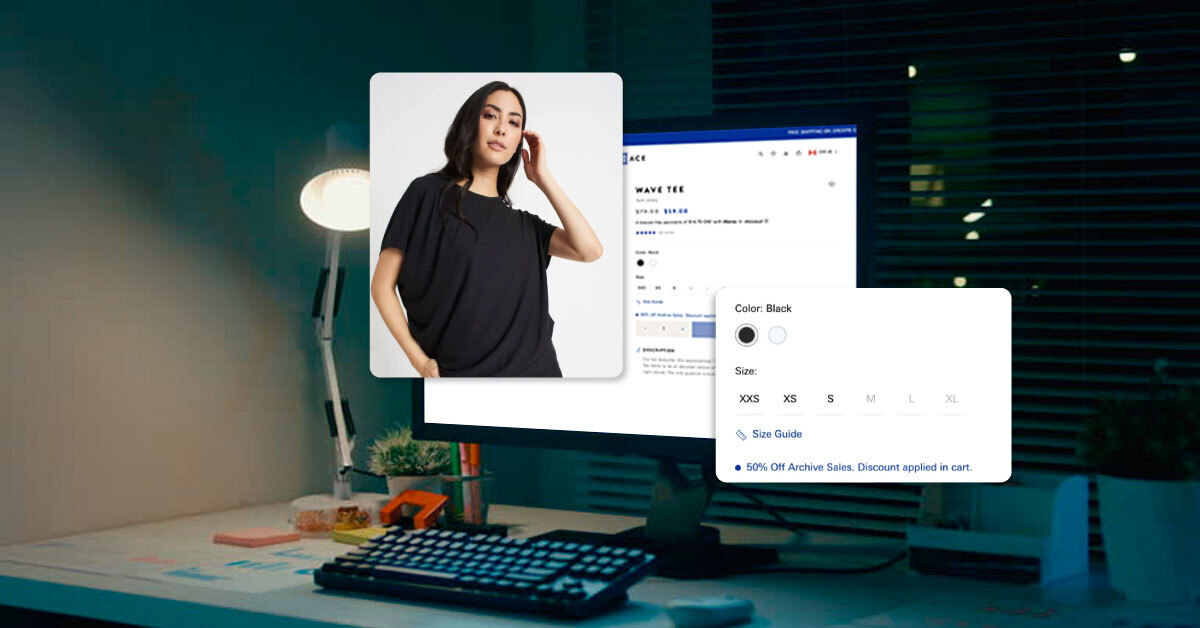
Most Shopify stores don’t fail because of bad products. They fail because the product page doesn’t convince anyone to click “Buy.” The traffic is coming. You’re running ads, posting on social, maybe even ranking on Google. But conversions? Flat. That’s because most founders treat the product page as an upload screen, not a sales machine.
They add one image, paste the supplier description, pick a color scheme and expect magic. But a high converting product page is more than just design. It’s your digital salesperson. It needs to answer buyer doubts, highlight benefits instantly, and remove friction before the user even scrolls.
And here’s the kicker:
Even a 1% lift in your product page conversion rate can double your revenue without spending a rupee more on traffic.
This guide breaks down exactly what a high converting Shopify product page should include with real structure, buyer psychology, and no fluff. If you're ready, let’s build a page that actually sells.

The Anatomy of a High Converting Product Page (Simplified)
Before you obsess over fonts or hero images, start here.
Every high performing product page, no matter the category, has a few things in common.
Here’s the simple breakdown I use when auditing product pages:
-
A Clear, Scroll Stopping Headline
Not a product name. A promise. Instead of “SlimFit T Shirt,” Write “The Only Tee That Doesn’t Lose Shape After 50 Washes.”
-
Punchy, Benefit Led Description
No one reads paragraphs. Use bullet points. Use short lines. Use real language. Highlight benefits, not just specs: “Wrinkle resistant, travel friendly, 100% breathable.”
-
High Trust Visuals (Not Just Pretty Photos)
Show the product in use Include size comparison or close ups Add 1–2 lifestyle shots that match your buyer’s vibe
Bonus: Add a quick walkthrough GIF or demo clip
-
Clear Pricing and Offer Stack
- Is the price visible without scrolling?
- Is the discount real or just fake slashing?
- Is shipping info or guarantee clearly mentioned?
-
A CTA That Actually Feels Clickable
“Add to Cart” should never feel like a dead zone. Make it bold. Make it mobile first. Test color + placement. And if needed, repeat the CTA below your description too.
-
Trust Builders Below the Fold
- Reviews (with photos)
- “Why us” block or founder’s note
- Secure checkout icons or “Ships from our US warehouse” line
If your product page nails these six areas, you’re already in the top 10%. The rest is about polishing and testing, not starting over from scratch.
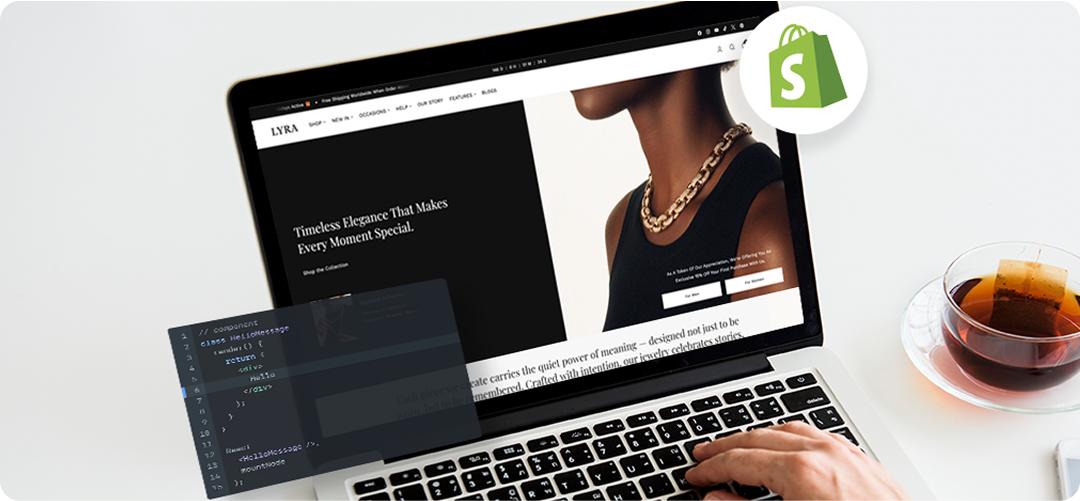
The Conversion Checklist: 10 Things That Make People Click ‘Buy’
Your product might be amazing. But conversion happens when everything on the page works together not just the design, but the psychology too.
Here’s the checklist I run through before signing off any product page:
- Does the first 5 seconds answer “Why this?”
What’s the one reason someone should buy this instead of scrolling away? - Is the product title scannable and benefit driven?
Avoid vague names. Add a tagline if needed to clarify what it is. - Are the first two images enough to make a decision?
Show lifestyle and detail up front. Don’t save the best shot for last. - Is the description making me feel or just informing me?
Great descriptions mix logic (materials, dimensions) with desire (how it makes life easier). - Are the reviews actually useful?
Add filters, show verified buyers, highlight use cases and not just “It’s great!” - Is the “Add to Cart” button visible on mobile without scrolling?
You’d be surprised how many pages fail this. - Is there urgency or reassurance?
Use “Only X left” or “Ships within 24 hrs.” But only if it’s real. - Is pricing explained clearly?
Add breakdowns like “₹3999 or ₹134/month” if relevant. Mention return policy nearby. - Are objections handled directly?
Think like a buyer: “Will it fit?” “What’s the return window?” “Is it washable?” Answer these before they ask. - Is there a reason to trust the brand?
A line like “100k+ orders shipped since 2019” builds more confidence than 10 badges.
Run your page through this checklist like a buyer, not a founder. Fix what creates doubt. Simplify everything else.
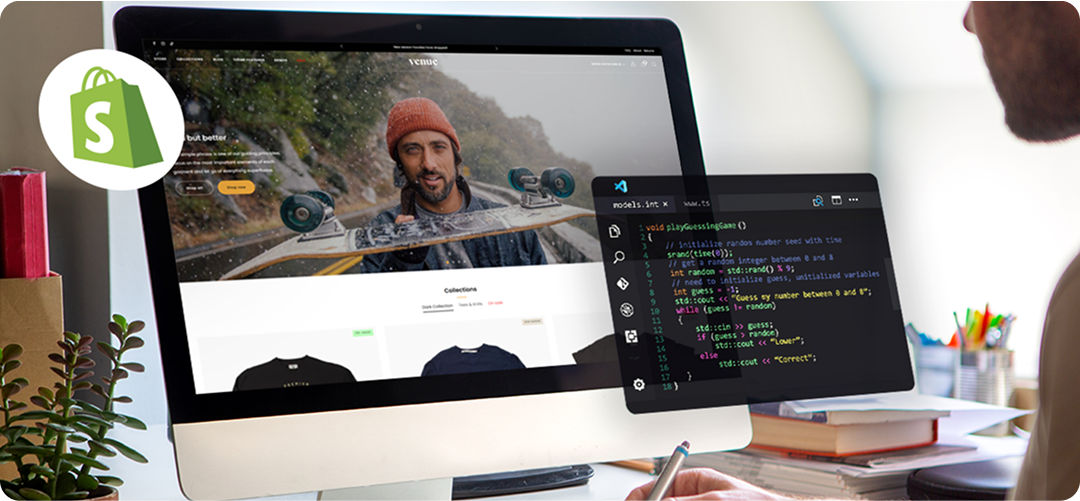
What High Converting Pages Actually Do Differently
Let’s break down what you’ll see in the wild when product pages actually convert. Not theory. Just what great stores get right.
-
They make the value visible without scrolling
Example: A skincare brand that starts with a bold promise “Fades Acne Scars in 7 Days.” It’s not buried in the description. It’s right next to the product title, above the fold.
-
The product photos tell a real story
Good pages don’t just show a clean white background. They show the product in use, include zoom ins, and even show comparisons. Think: before/after, size reference (like holding it in hand), or usage shots (like being worn or applied).
-
They use reviews strategically
Instead of dumping 80 reviews in a long scroll, smart stores:
- Highlight 1–2 powerful reviews next to the CTA
- Use filters like “fit,” “skin type,” “results”
- Add short quotes inside product tabs or FAQs
-
They handle objections head on
You’ll see things like:
- “100% return guarantee with no questions asked”
- “True to size. But if you’re between sizes, go one up”
- “Waterproof. And safe for dishwashers too”
Answering real buyer doubts like this removes friction instantly.
-
They don’t waste the mobile fold
Top brands test where the “Add to Cart” appears on phones. You’ll often see:
- Sticky add to cart bars
- Scroll triggered CTAs
- 2 line descriptions just above the CTA (like “Soft touch. No see through. Ships free.”)
These tiny optimizations? They add up. Conversion isn’t about adding more. It’s about removing friction so someone can say yes faster.
How To Audit (and Fix) Your Product Page
You don’t need a redesign. You need a teardown. Here’s a simple framework to audit your product page like a conversion copywriter.
Scroll like a buyer, not a founder
Open your page on mobile. Ask yourself:
- “Do I understand what this product does before I scroll?”
- “Is the first sentence talking about me… or the product?”
- “Can I click Add to Cart without squinting or hunting?”
Check for the 3 second ‘Why this’ signal
Above the fold, is there any reason to care? If not, the page isn’t ready for traffic.
Audit your copy with this filter:
Every line should do one of three things:
- Remove a doubt
- Highlight a benefit
- Push action forward
- If it doesn’t? Cut it.
Score yourself on the conversion checklist (from above)
Run through all 10 points. If you can confidently say “yes” to 8 or more, your page is in the top 10%.
Watch someone else scroll
Send the link to a friend. Watch what they say out loud. What they scroll past. What they pause on. That’s real feedback. Not Google Analytics.
Final word?
Your product page is your quietest salesperson. It never sleeps. It doesn’t need a salary. But it only works if you train it to sell. If you’re stuck, underperforming, or tired of high traffic with low sales, this is where I help brands rebuild pages that convert, not just “look better.” Let’s fix what’s blocking conversions, not guess.
Start Your Shopify Journey