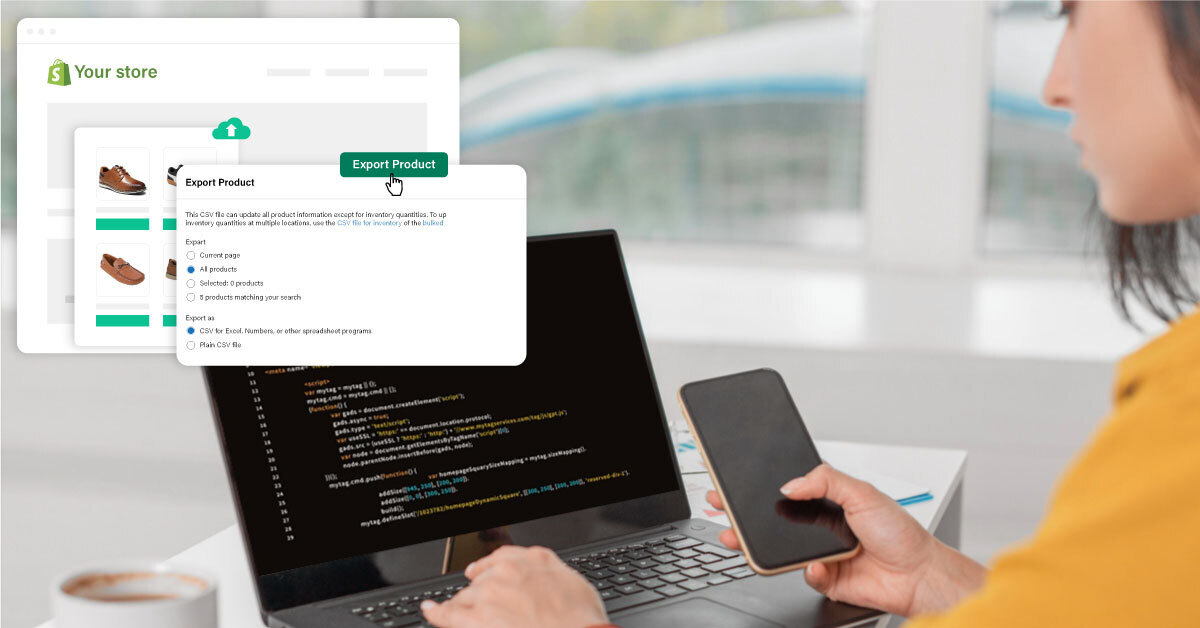
Let’s be honest, your current platform probably worked great when you were just starting out. Maybe you picked WooCommerce for its flexibility, or Wix for the drag and drop ease. Maybe you’re still running on Magento because that’s what your agency set up years ago.
But now?
Your store is growing. Your products have expanded. Your traffic is increasing. And the cracks are starting to show.
- The mobile experience feels clunky
- Checkout drops are getting harder to ignore
- Plugins keep breaking after every update
- Pages load slower than your competitors’ ads
You’re not just annoyed. You’re nervous. What if I break everything during the move? What if I lose my customer history, product reviews, or organic traffic? That fear is valid. But here’s the truth: migration doesn’t have to be risky, if it’s done right. Most people assume it’s just a matter of exporting some data and hitting “import” on Shopify.
But the reality is, your store isn’t just data. It’s history, momentum, and trust, and those don’t transfer automatically.This guide will walk you through exactly what needs to move, what needs to be rebuilt, and how to migrate cleanly without losing sales, customers, or SEO. Because you’re not just switching platforms. You’re upgrading your store’s future.

What Actually Needs to Move, and What Needs to Be Rebuilt
This is where most store owners get confused. They think migrating to Shopify is about copying their old site pixel by pixel. But here’s what I tell every client before I start:
We’re not cloning your store. We’re carrying over what works, and upgrading what doesn’t.
Let’s break it down.
What Can Be Migrated? (If Done Right):
- Products
Titles, descriptions, pricing, SKUs, variants, inventory levels - Collections and categories
Including nested structures and tags - Customers and order history
Names, emails, past purchases, all preserved and usable for remarketing - Pages and blog posts
Think About, FAQs, guides, and SEO driven content - Your domain
You absolutely can keep your existing domain when switching to Shopify - URL structure and SEO metadata
With 301 redirects, you won’t lose search rankings, as Google follows the trail
Yes, Shopify does keep your customer data. And no, you don’t need to cancel your old platform to start building the new one.
What Needs to Be Rebuilt? (and Why It’s a Good Thing):
- Your theme
Shopify 2.0 uses a different framework. It’s the perfect time to clean up your layout, speed up performance, and go mobile first - Custom styling and plugins
Many old apps don’t exist in Shopify and that’s okay. Shopify has native solutions that work better and load faster - Checkout flow
Shopify’s native checkout is powerful, but might need tweaks for B2B logic, gifting, or bundling and those can’t be carried over as is - Automations and integrations
Email flows, popups, upsell rules, these are often tied to tools from your old platform and need to be rebuilt with Shopify apps
Most migrations fail not because the data can’t be moved, but because the owner tries to recreate the old store exactly as it was. The better approach?
Preserve what’s proven. Rebuild what’s broken. And let Shopify’s speed, security, and ecosystem do the rest.
My Framework: Clean, Calm, High Trust Migrations
Every migration I run follows a very simple rule:
No chaos. No surprises. Just a smooth transfer and a faster, stronger store at the end.
You don’t need to learn code. You don’t need to manage plugins. You just need to understand the steps and what they protect you from.
Here’s how I approach every Shopify migration, whether it's from WooCommerce, Wix, or a custom platform:
-
Audit What Actually Matters
Before touching anything, I map out:
- What’s driving your traffic (top 20 URLs by visits)
- What people are buying (top selling SKUs)
- What can’t break (core collections, blogs, customer reviews)
This is what I protect. Everything else is optional.
-
Build a Staging Store (Before Touching the Live One)
I build your new Shopify store quietly in the background with a theme, apps, and UX that fits your brand.
This is where I test:
- The look and feel
- Mobile responsiveness
- Speed and performance
- App compatibility
- Key user flows like add to cart and checkout
You get to preview and refine the site while your current store stays live and untouched.
-
Migrate the Data, Cleanly
I use trusted tools (like Matrixify) or custom workflows to move:
- Products
- Collections
- Customer profiles
- Orders
- Content pages
No janky spreadsheets. No half filled fields. Just clean imports that preserve structure and detail. And yes, you can transfer everything from one Shopify store to another, too. It’s the same playbook.
-
Set Up SEO Redirects and Metadata
The most overlooked part of a migration and the most dangerous if skipped. I map every existing URL and apply 301 redirects to equivalent Shopify pages.
I also:
- Carry over meta titles and descriptions
- Preserve schema markup for products and articles
- Submit your new sitemap to Google Search Console
That’s how I keep your rankings stable while upgrading everything under the hood.
-
QA Like a Customer, Not a Developer
Before I go live, I walk the store like a shopper would.
- Can I search for a product and land on the right page?
- Is checkout fast on mobile?
- Do popups, filters, and menus all work intuitively?
I catch every bug here, and not after launch.
-
Go Live Without Breaking a Beat
When the new store is ready:
- I switch the domain
- Final redirects go live
- Tracking (like GA4, Meta Pixel, GSC) gets connected
- DNS settings are updated with zero downtime
Your customers won’t notice the switch. Your conversion rate might even improve overnight.
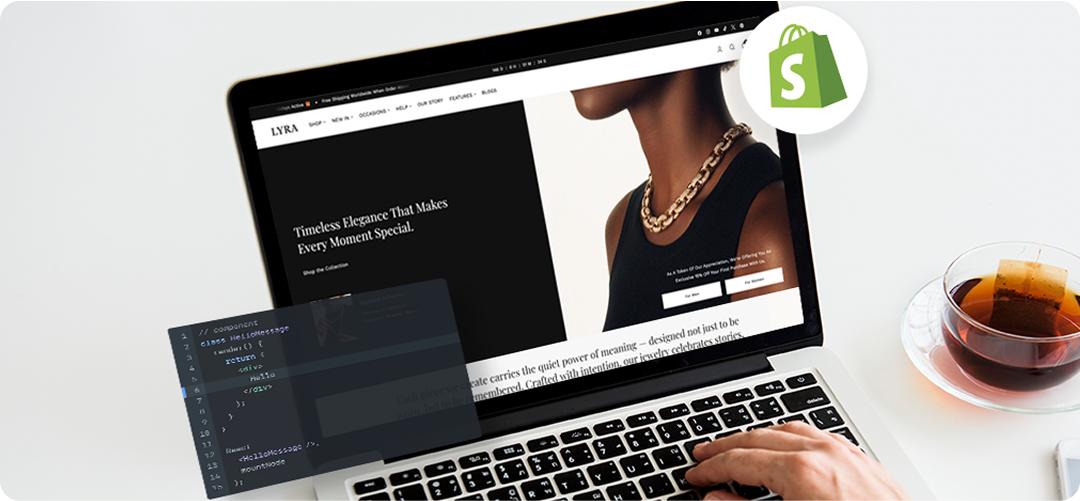
The Hidden Costs of Bad Migrations (And How to Avoid Them)
Every week, I talk to someone who tried to migrate to Shopify solo or handed it off to a developer who “figured it out” mid way. And I always hear the same regret.
I didn’t know what I didn’t know… and I lost way more than I expected.
Here’s what bad migrations really cost you and how to sidestep every one of them.
-
Lost SEO Traffic
One broken URL can cause a drop. Ten broken URLs? That’s a full freefall in rankings. What actually happens: Old pages aren’t redirected properly, Google sees them as dead ends, and your organic traffic vanishes overnight.
How to avoid it: Always map and apply 301 redirects before launch. Submit your new sitemap. Double check your Google Search Console reports 24 hours after going live.
-
Broken Integrations
You migrate your products but forget to re link your email platform or ads manager.
Suddenly:
- Your Klaviyo flows don’t fire
- Meta Pixel stops tracking
- GA4 reports zero conversions
These silent breaks can burn thousands before you even notice.
How to avoid it: List every connected tool before migration and test all post migration tracking within 48 hours.
-
Payment or Checkout Errors
This one’s brutal. Stores go live only to realize international customers can’t check out, discount codes don’t apply, or tax rules break.
How to avoid it: Use Shopify’s test mode with live scenarios, with multiple currencies, free shipping tiers, and guest checkout before removing your password page.
-
Visual Downgrade
Your old store had a vibe. The new one? Looks like a rushed template. Design took a hit because content blocks didn’t translate well. This lowers trust and conversion.
How to avoid it: Rebuild layout and copy natively in your new Shopify theme. Don’t copy paste design, but re design with purpose.
-
Team Chaos Post Migration
Support doesn’t know what changed. Ops team is still working off old logic. Marketing uses broken links in email campaigns.
How to avoid it: Create a one pager with all new URLs, tool updates, and rules of the new store. Share it with everyone.
A Shopify migration isn’t just a tech task, it’s a brand transition. You don’t just protect data. You protect momentum.
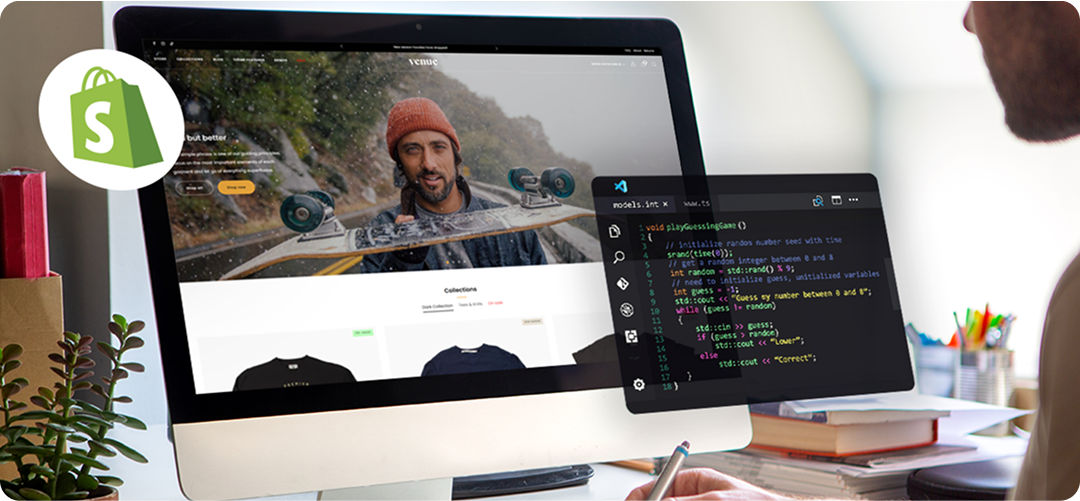
Migration FAQs: What Clients Always Ask Me (Before I Start)
If you’re feeling unsure or overwhelmed, you’re not alone. These are the most common questions I get from founders and store owners before I even begin the migration process. Let’s walk through them simply, clearly, and without jargon.
-
Will I lose my customer data or past orders?
No. When done right, you can migrate customers, emails, purchase history, and even tags to Shopify. You won’t lose reviews, addresses, or customer accounts either, especially if I use tools like Matrixify or custom exports from Woo, Magento, or Wix.
-
Can I keep my existing domain name?
Yes. Whether your domain is from GoDaddy, Namecheap, or Google Domains, you can connect or transfer it to Shopify with zero downtime. I just update the DNS settings (which sounds techy, but it’s a 2 minute task once you know where to click).
-
What happens to my current website once I switch?
Nothing breaks instantly. But after the domain points to Shopify, your old site won’t be publicly accessible. I usually recommend:
- Taking a full backup
- Keeping it accessible on a staging server
- Saving key visual and copy elements if needed
Your old platform won’t delete itself, but it’s best to cancel once the new site is stable and live.
-
Can I still use the same email marketing and analytics tools?
Absolutely. Most tools like Klaviyo, Mailchimp, Meta Pixel, Google Analytics, and Hotjar work perfectly with Shopify. We’ll just need to reconnect them properly and test once the new store is live.
-
Will the migration impact my SEO or Google rankings?
It can, but only if redirects and metadata are skipped. That’s why our migration process includes:
- Setting 301 redirects
- Mapping all important pages
- Submitting your sitemap to Google Search Console
If done right, you can preserve your rankings and even improve them with a faster, more mobile friendly store.
-
What if I already have products and customers in my Shopify account?
We’ll audit what’s in there, clean up duplicates, and merge the data carefully to avoid overwriting anything. You don’t need to delete anything upfront. But I will advise on how to avoid clutter or confusion once the migration completes.
The short version?
You don’t need to figure this out on your own. A well planned Shopify migration saves you months of mistakes and gets you live faster, cleaner, and stronger.
Migration Isn’t Just Tech. It’s Momentum.
Most people delay the move to Shopify out of fear of losing traffic, breaking SEO, or messing up customer data. But with the right steps (and the right partner), migration becomes growth. You’re not just switching platforms. You’re setting your store up to scale, convert, and last.
Start Your Shopify Journey